Recording your album in Groovemark
Recording an album means playing it once, start to finish, while Groovemark records. That one recording, every side in one take, is what Groovemark cuts into named, tagged tracks. If your turntable or tape deck isn't connected to your Mac yet, start with Connecting your turntable or tape deck. Don't have the gear yet? See Recommended gear.
Before you record
- Clean the record, at least a brush across it. A used record may want a deeper clean. It doesn't have to be perfect.
- Give the stylus a quick look for dust.
- Cassettes should require no cleaning.
Two questions from macOS
The first time, macOS asks two questions. Answer yes to both:
- "Allow accessory to connect?" For a USB device, the first time it's plugged in. This is macOS's own question, once per device.
- Microphone access. The first time you pick an input. macOS calls every sound input a microphone, your turntable included. Groovemark only hears the input you choose.
If you said no, turn it on in System Settings → Privacy & Security → Microphone.
Choose your input
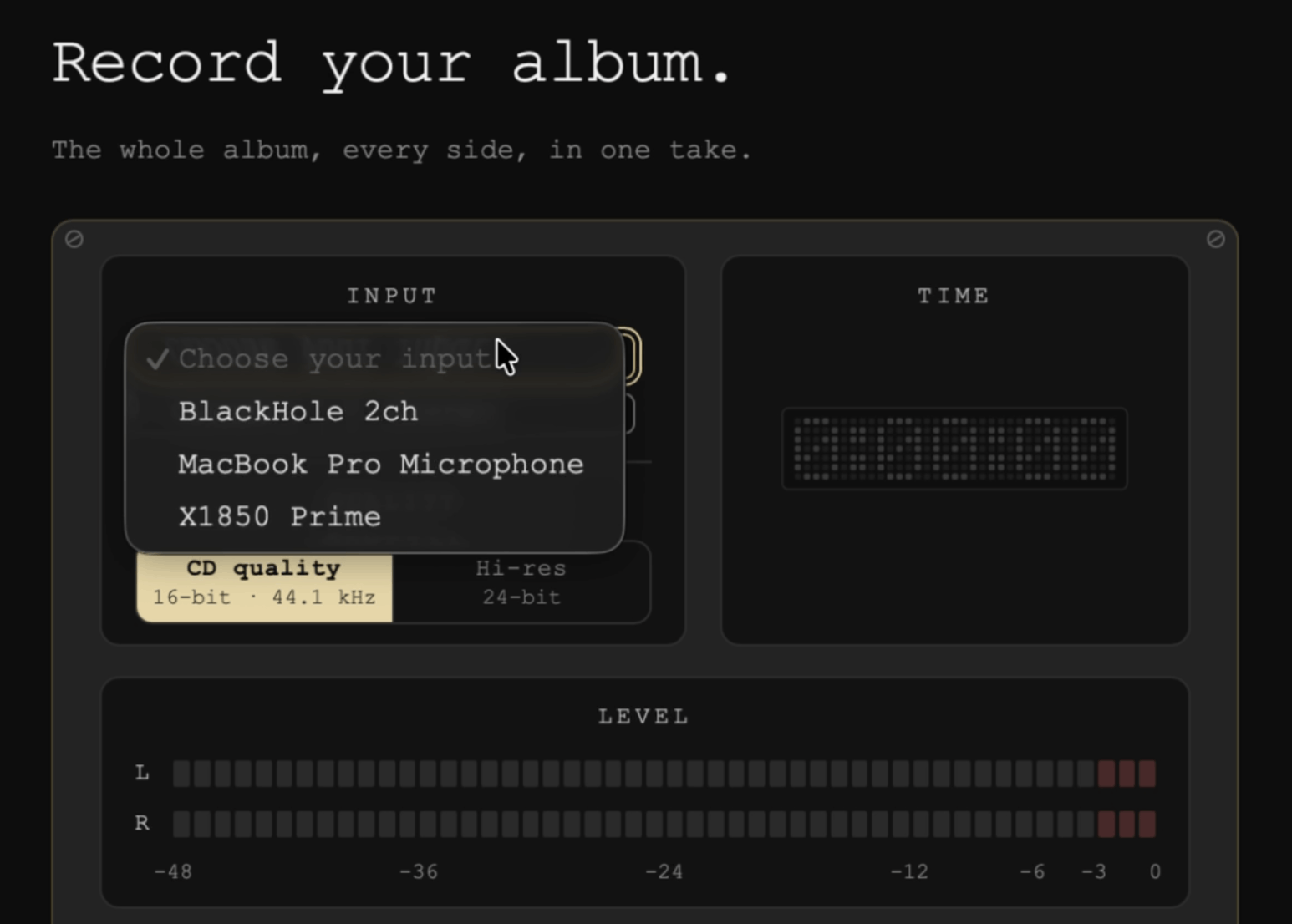
Open Groovemark and pick Record. On Record your album., open Input and choose your turntable, mixer or interface. Each one is listed by its own name. Groovemark never picks one for you, so your Mac's built-in microphone is never used by accident.
Note: You can NOT use your Mac headphone jack to record, you'll need to connect via USB. See Recommended gear.
Channels
A turntable or a simple interface sends two channels, left and right, and there's nothing to choose. A mixer or a bigger interface sends more, and Channels lets you pick the pair your deck is on. Play the album and pick the pair that moves the meters. Groovemark remembers the pick for that device.
Quality
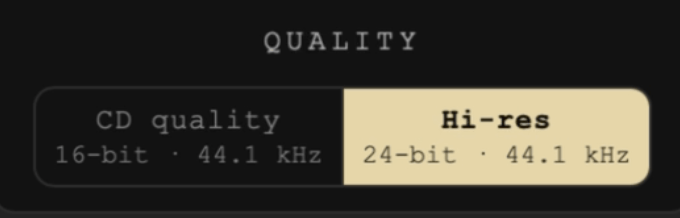
- CD quality is 16-bit at 44.1 kHz, the same as a CD. Right for almost everyone.
- Hi-res is 24-bit, at the rate your device records at. The screen shows that rate.
We never convert a recording up. A higher number than your device recorded at adds nothing that was captured, so Hi-res keeps your device's own rate.
Check the level
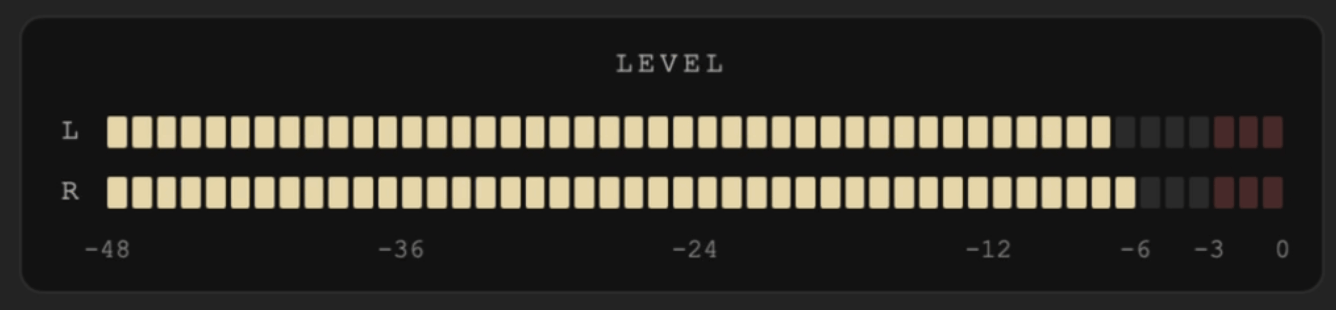
Play the loudest part of the album and watch Level in Groovemark. The meters show exactly what's being recorded. The loudest moments should reach high on the meters without lighting the red at the top. To change it, turn the level up or down on your turntable, mixer or interface, and watch the meters follow. Then lift the needle and start the album over.
Record the whole album, in one take
- Press Record, then drop the needle on the first song (or press play on the tape).
- At the end of each side, lift the needle and leave at least 10 seconds of quiet before the next side starts. With the needle up, the quiet is true silence, and that's how we find the sides. On a cassette, stop the tape, turn it over, and leave the same 10 seconds before pressing play.
- Keep recording through every side, a double album too. One album, one take.
- After the last song, press Stop. Groovemark asks first, so a slip never ends the take: Stop recording ends it, Keep recording carries on.
There's no need to stop exactly on time. The needle drop, the run-out and the noise at each flip are trimmed in the next step.
Next
Groovemark opens the take to clean it up: where it starts, each flip, where it ends.
Still need help? hit us up.